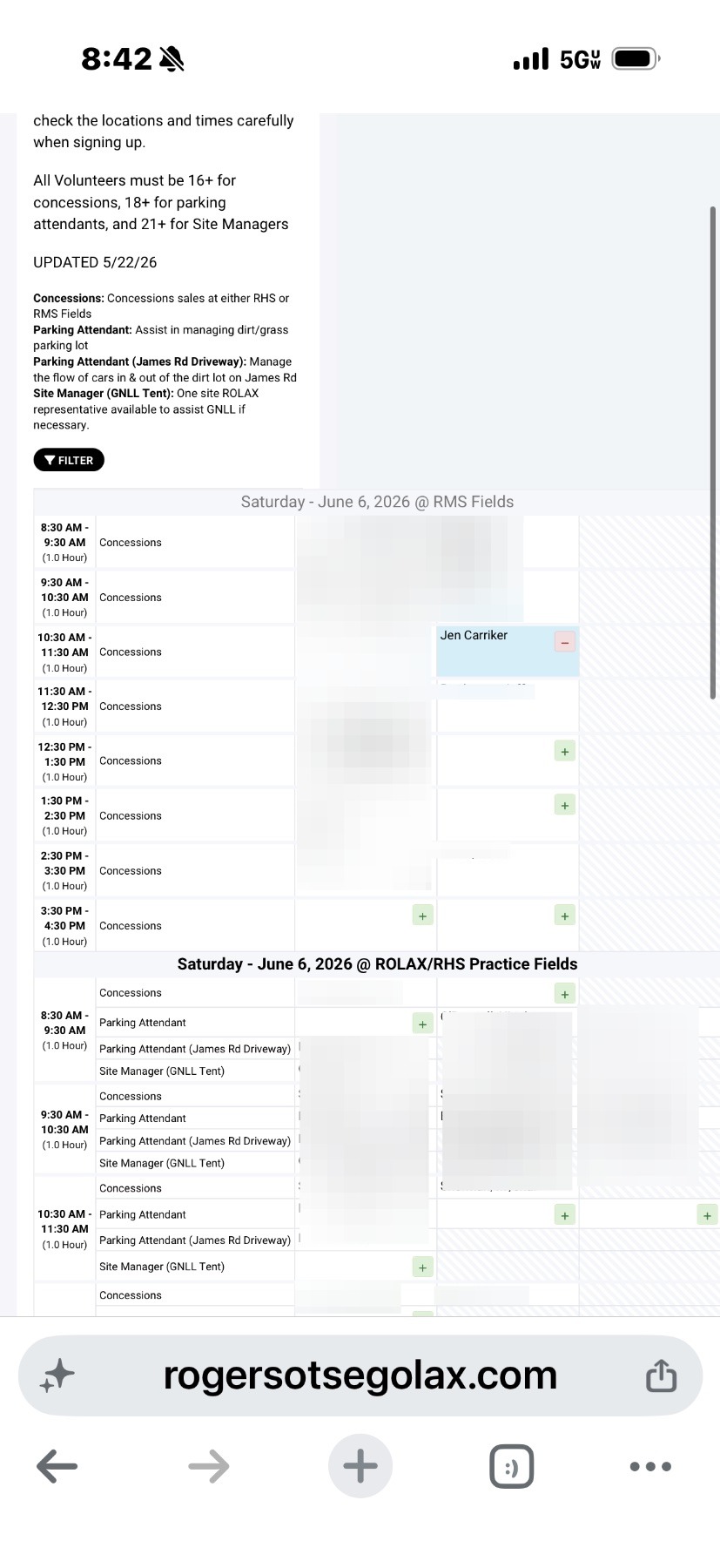
HOW TO: Sign up for Volunteer Hours/DIBS
Mobile Browser Volunteer Sign up Steps
1. Start on the home page of our website, click the 3 bars in the top left

2. Tap For Parents
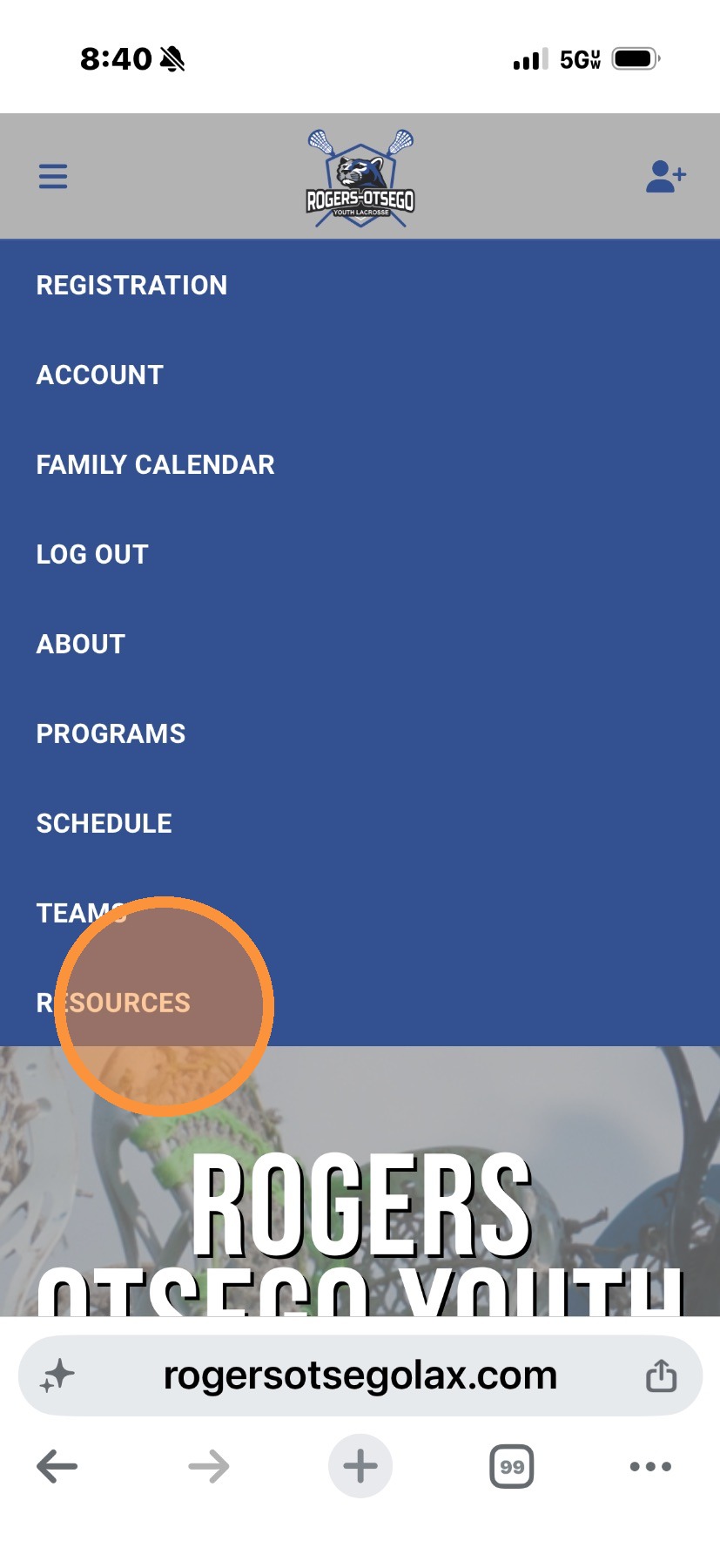
3. Tap For Parents
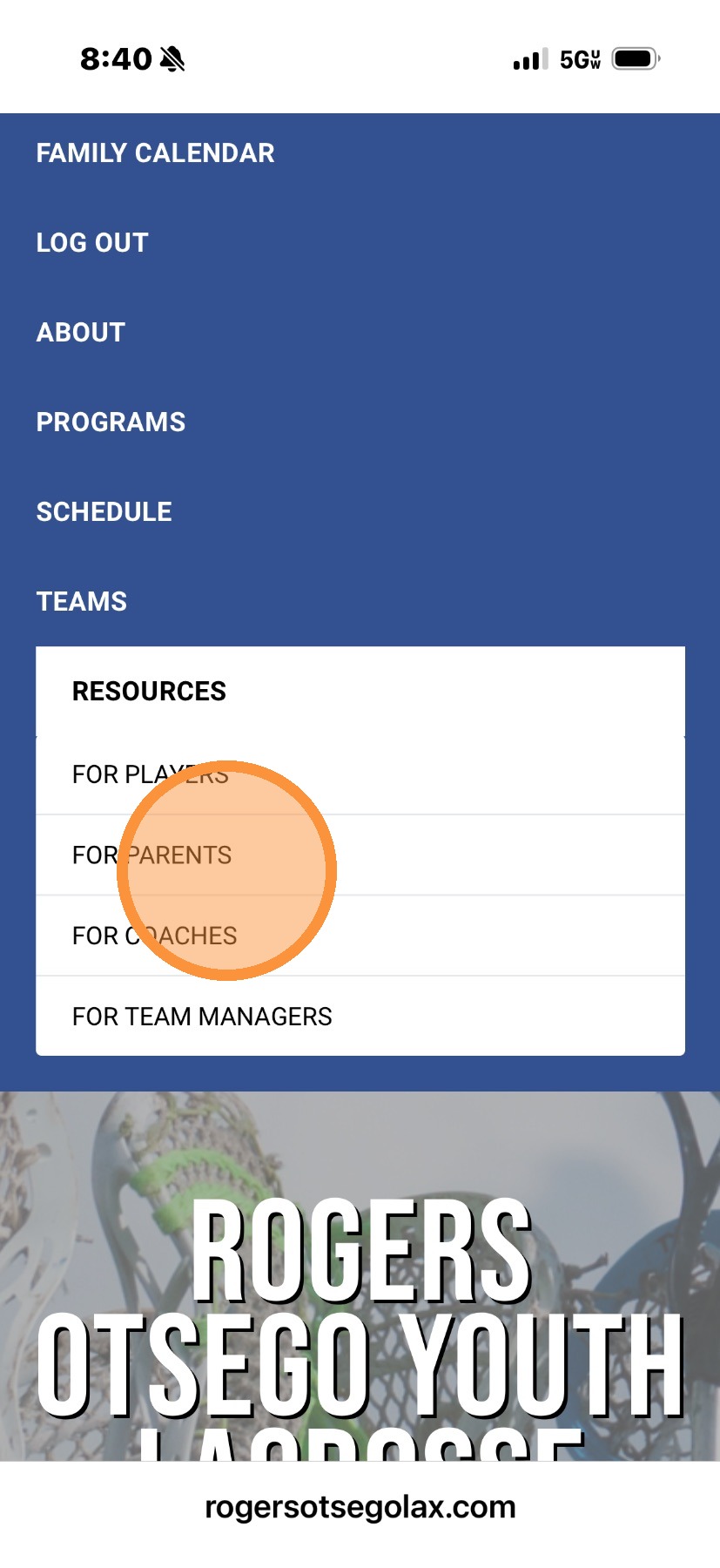
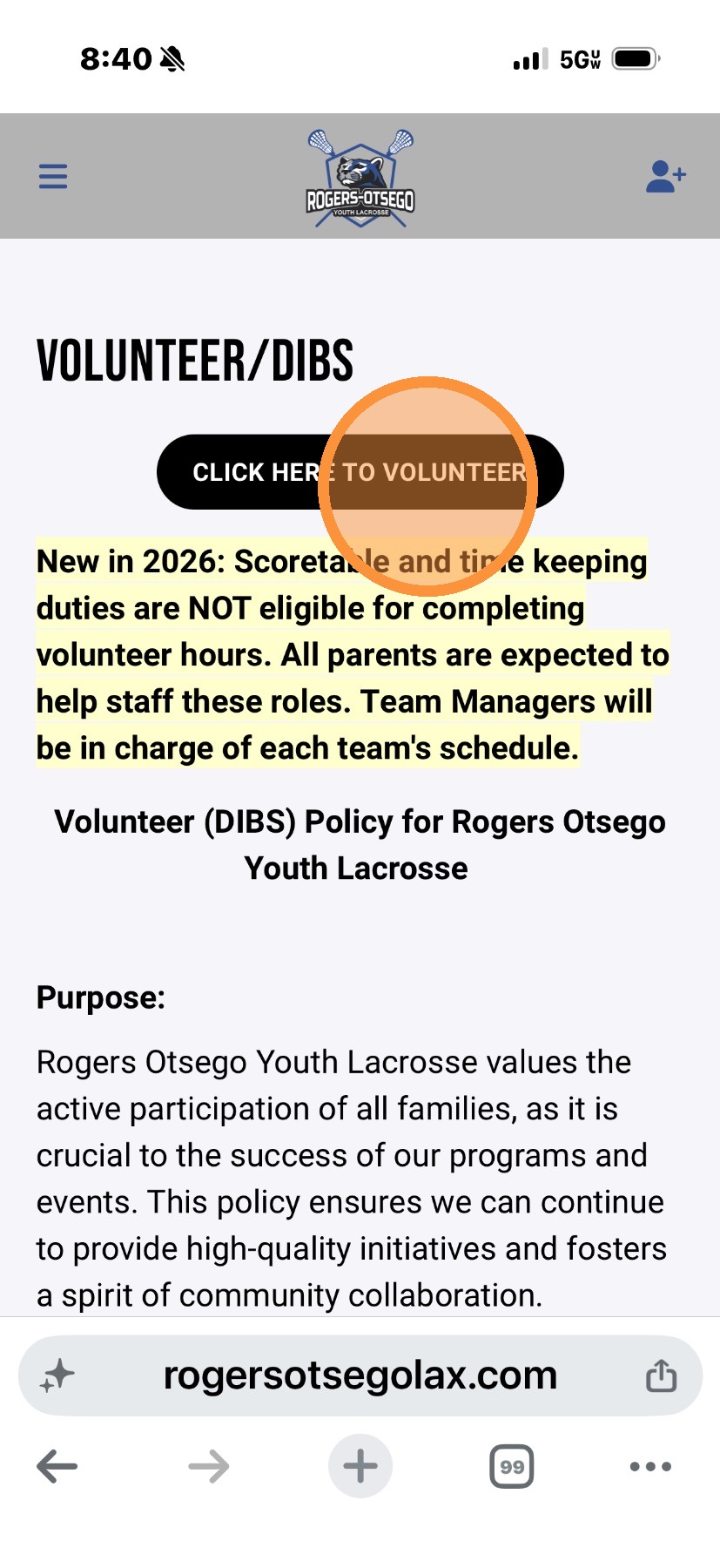
4. Tap Volunteer/DIBS
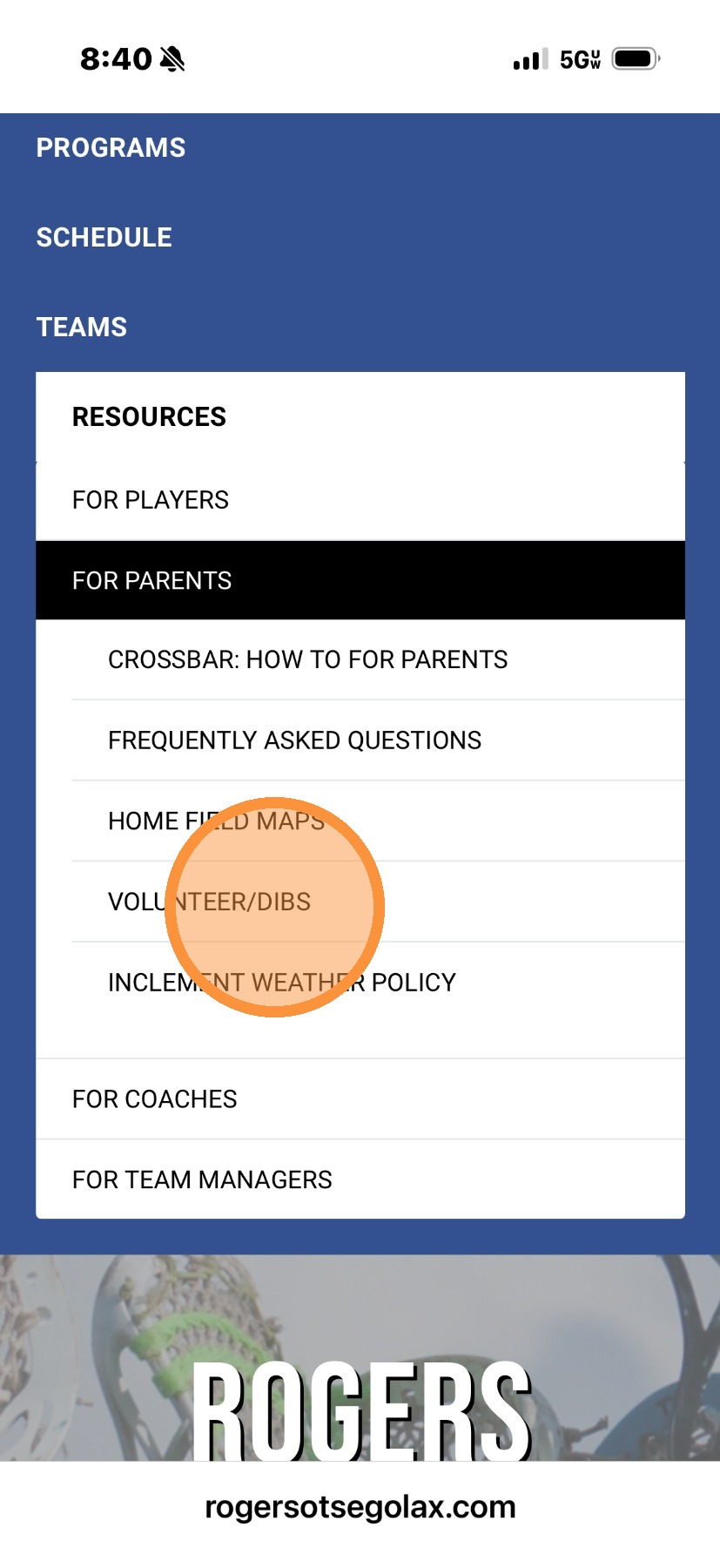
5. Tap "Click here to volunteer" button
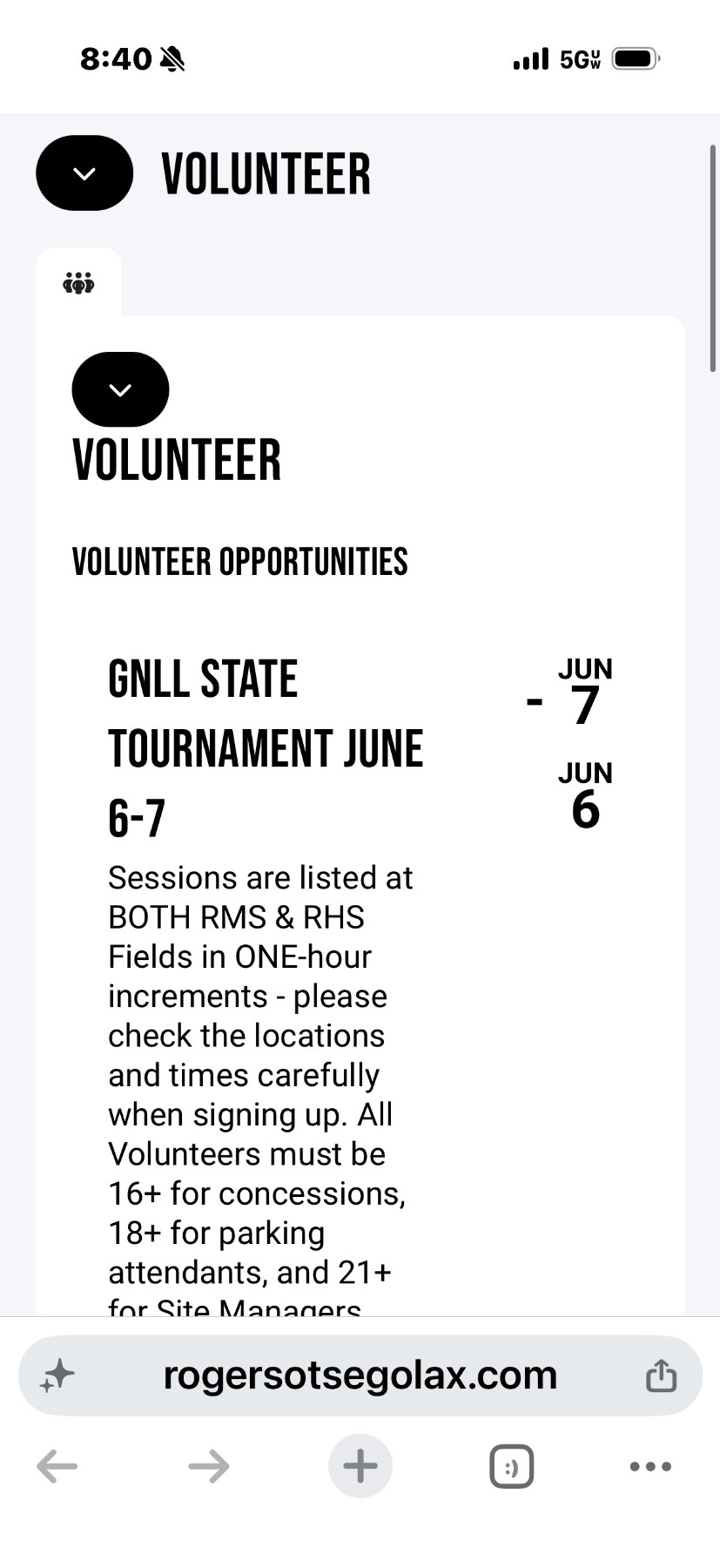
6. Scroll down
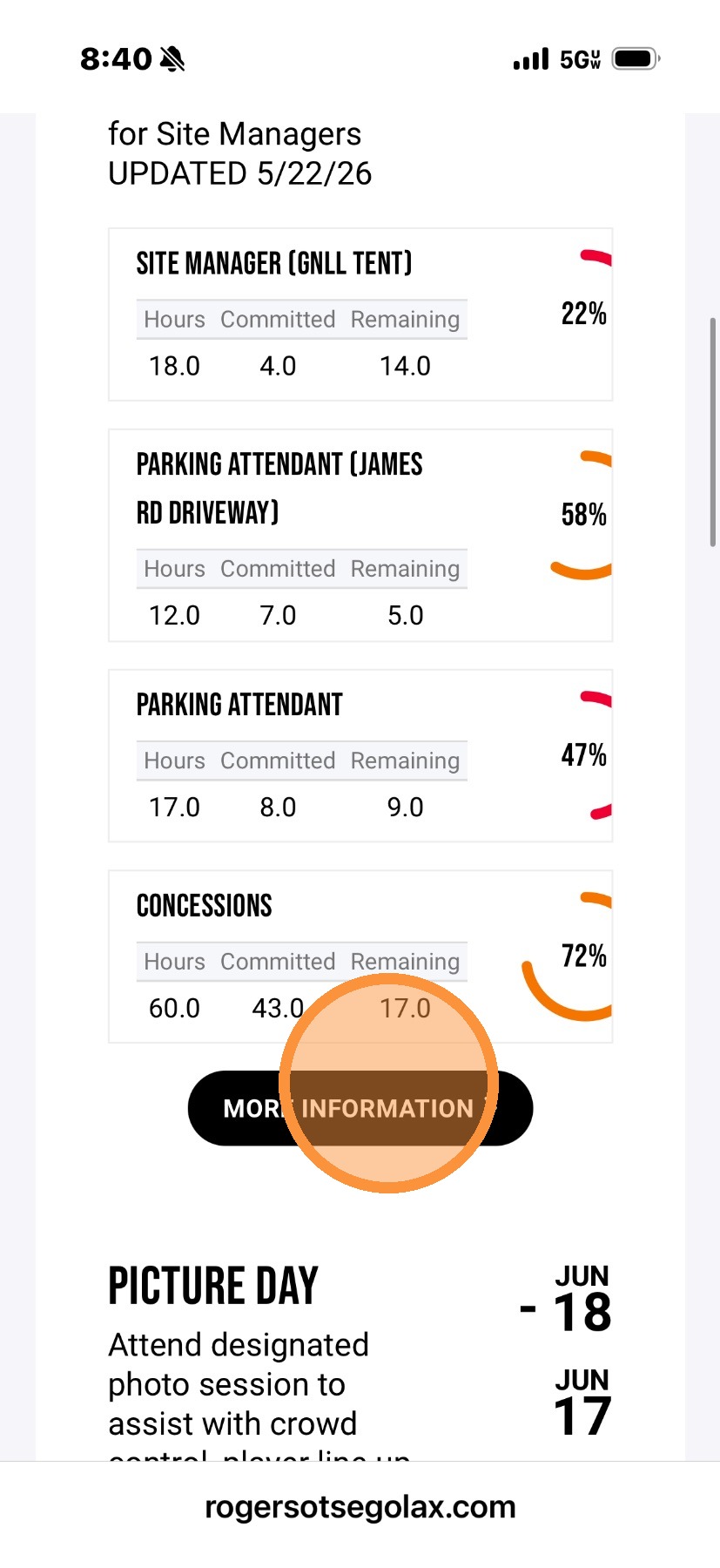
7. Tap More information
8. Scroll to the right
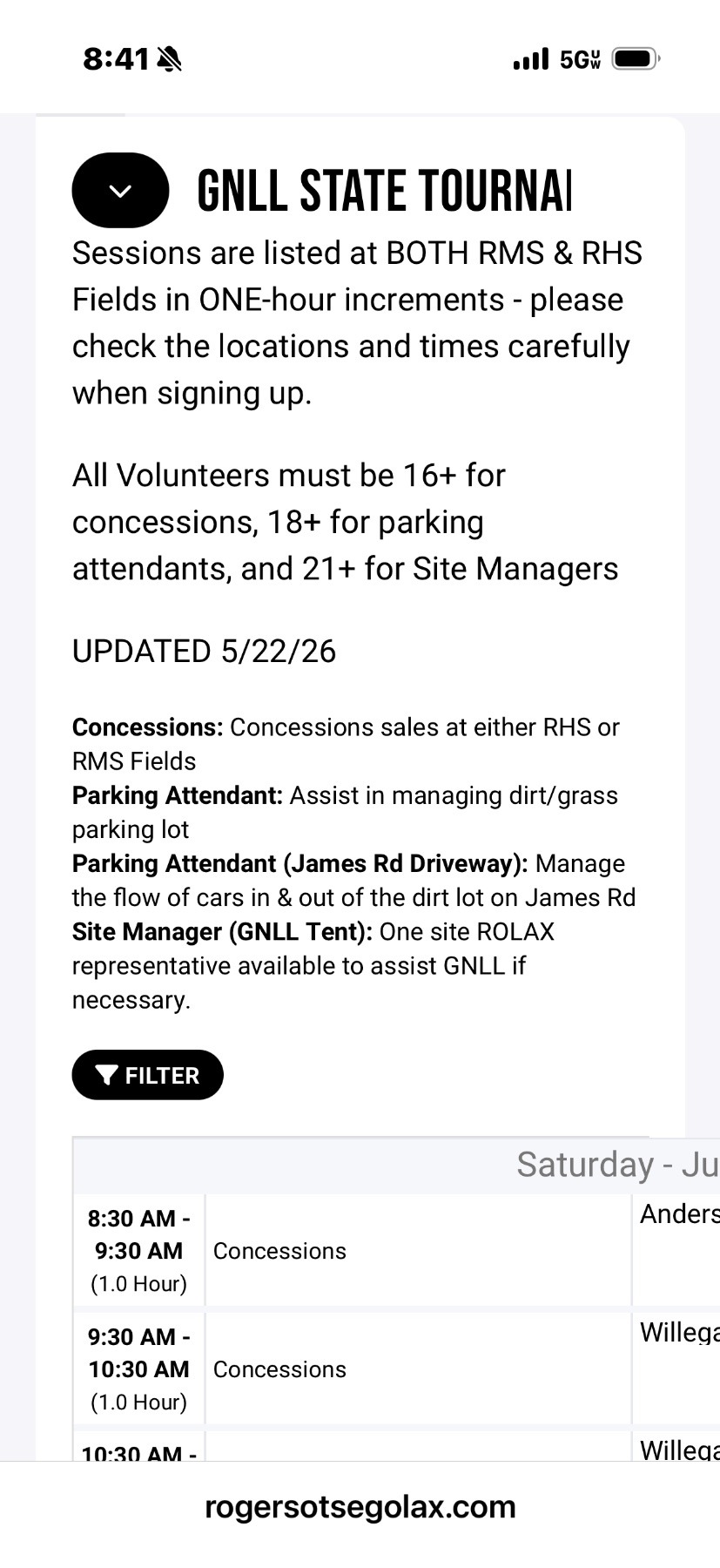
9. Find an open opportunity and tap the + sign

10. Tap on the name of the person volunteering

11. Name has been added. You can also remove your name using by tapping the red - box

12. Wider view of sign up sheet, green + boxes are available time slots.